Context
Write it once. Every Claude Code agent you launch gets it.
Your team's instructions, skills and agents live in one place. Write a skill once. Each Claude Code agent you launch in your team’s repos gets it as a real file, hidden from git, as does any agent whose context names it.
Build a skill once. Your agents get it at launch, hidden from git.
Add a skill to your team context, in the app's file tree or in any editor. Nothing syncs in the background. An agent gets the latest context when it launches, and a running agent pulls more when it calls hydrate_worktree. The files are real, so your agent reads them like any other file in its folder.
CodeSense lists what it copies in the repo's git exclude, so git status stays clean and nothing lands in a commit by accident.
One skill file in the team context.
---
name: write-migration
description: Write a forward-only Postgres migration with a backfill plan.
---
Create `api/migrations/<timestamp>_<name>.sql`. Never drop a column in the same
release that stops writing it. Include a backfill query and an index plan.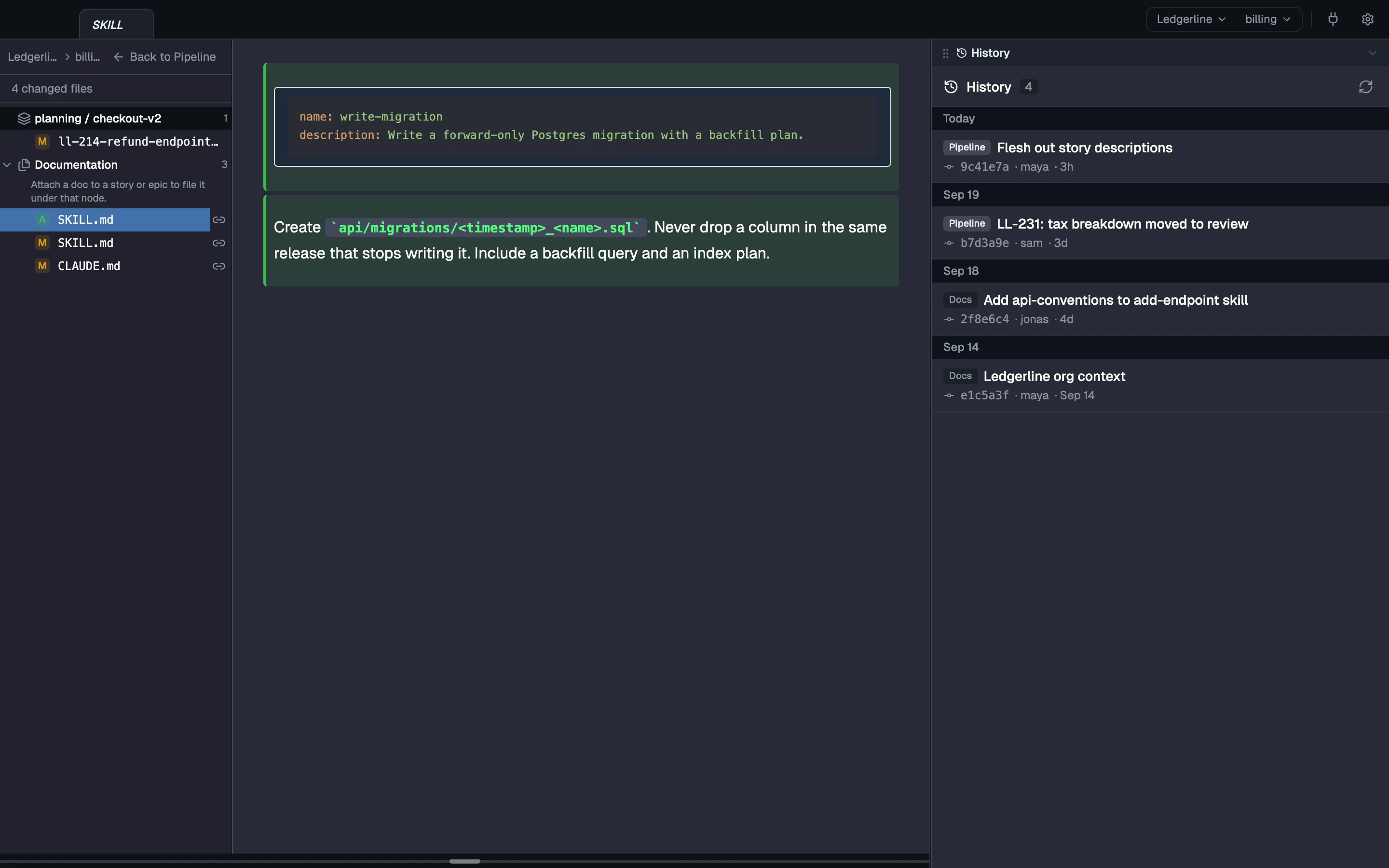
Whatever your agents read
CLAUDE.md, AGENTS.md, .claude/skills/, .codex/, or any other instruction file or doc: whatever an agent’s context names lands as a file in its worktree, so any agent that reads its worktree gets it. Claude Code and Codex are built in; the context is there for the others too.
Scope each file to the whole team in every repo, or to one repo only.
The team's instructions, written once for both repos.
# Billing team — agent instructions

Two repos: `ledgerline/web` (Next.js app) and `ledgerline/api` (Node service).

## Rules
- One story per worktree; branch name is the story id (`LL-214`).
- Every mutating endpoint takes an `Idempotency-Key` header and stores the
  first response for 24h. Replays return the stored response, not 409.
- Amounts cross the wire as integer cents in a string (`"1299"`), never floats.
- Migrations are forward-only. Use the `write-migration` skill.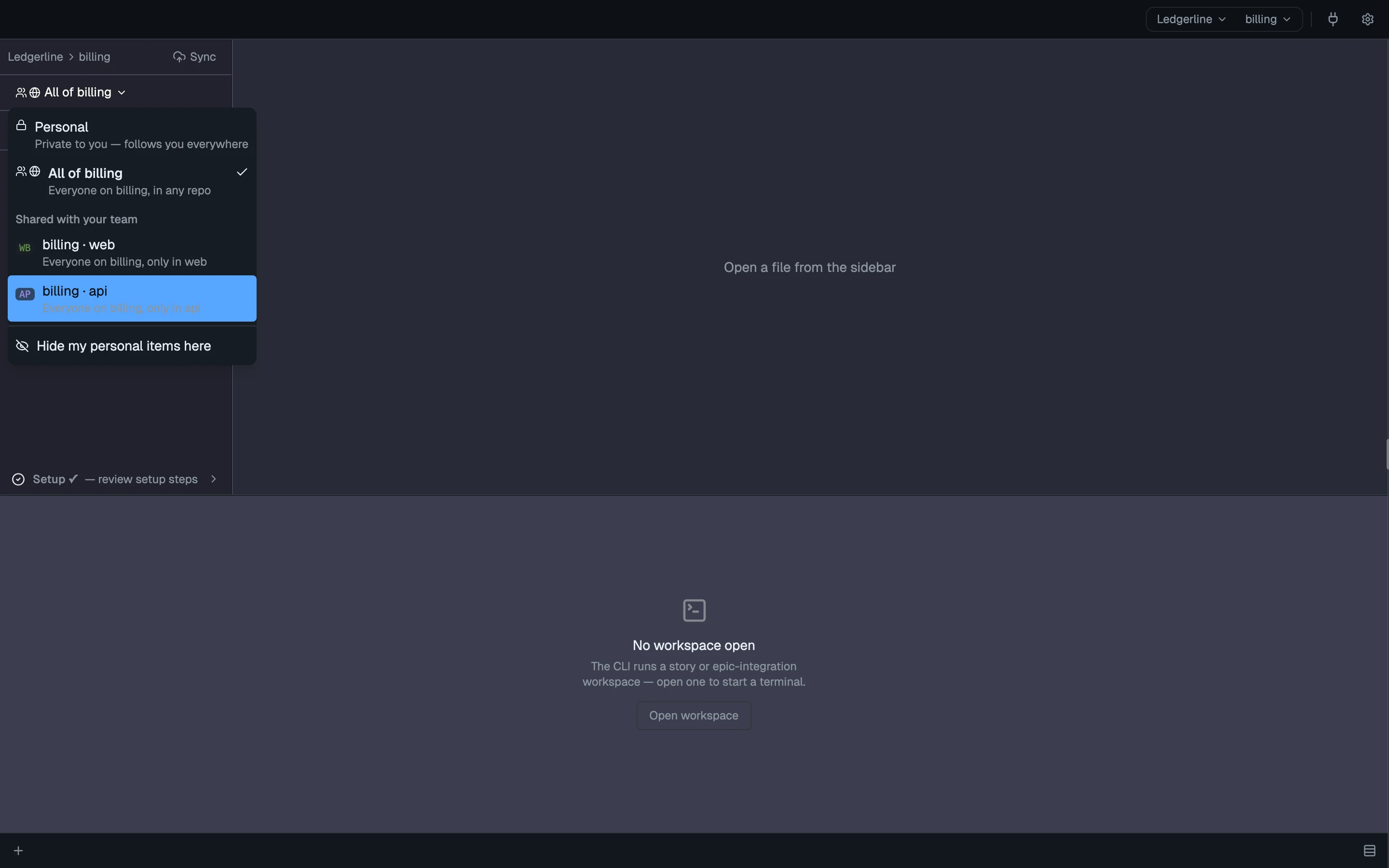
The parent team sets the standard. Your team overrides a file.
Teams form a chain. A team’s context is its own files plus its parent teams’, resolved file by file: the nearest team’s copy of a file wins, and folders merge. Editing an inherited file edits the parent’s; Copy into your team gives you a copy of your own that wins.
teams:
  - name: billing
    parent_team: platform
    source_repos:
      - {owner: ledgerline, repo: web}
      - {owner: ledgerline, repo: api}
  - name: platform
    source_repos:
      - {owner: ledgerline, repo: web}
      - {owner: ledgerline, repo: api}
Billing has its own review-pr, so it replaces platform's; every other platform skill still comes through.
---
name: review-pr
description: Billing PR review, with the team's money and idempotency checks.
---
Check that amounts are bigint cents, every POST/PATCH honours
Idempotency-Key, and refunds never exceed the captured amount.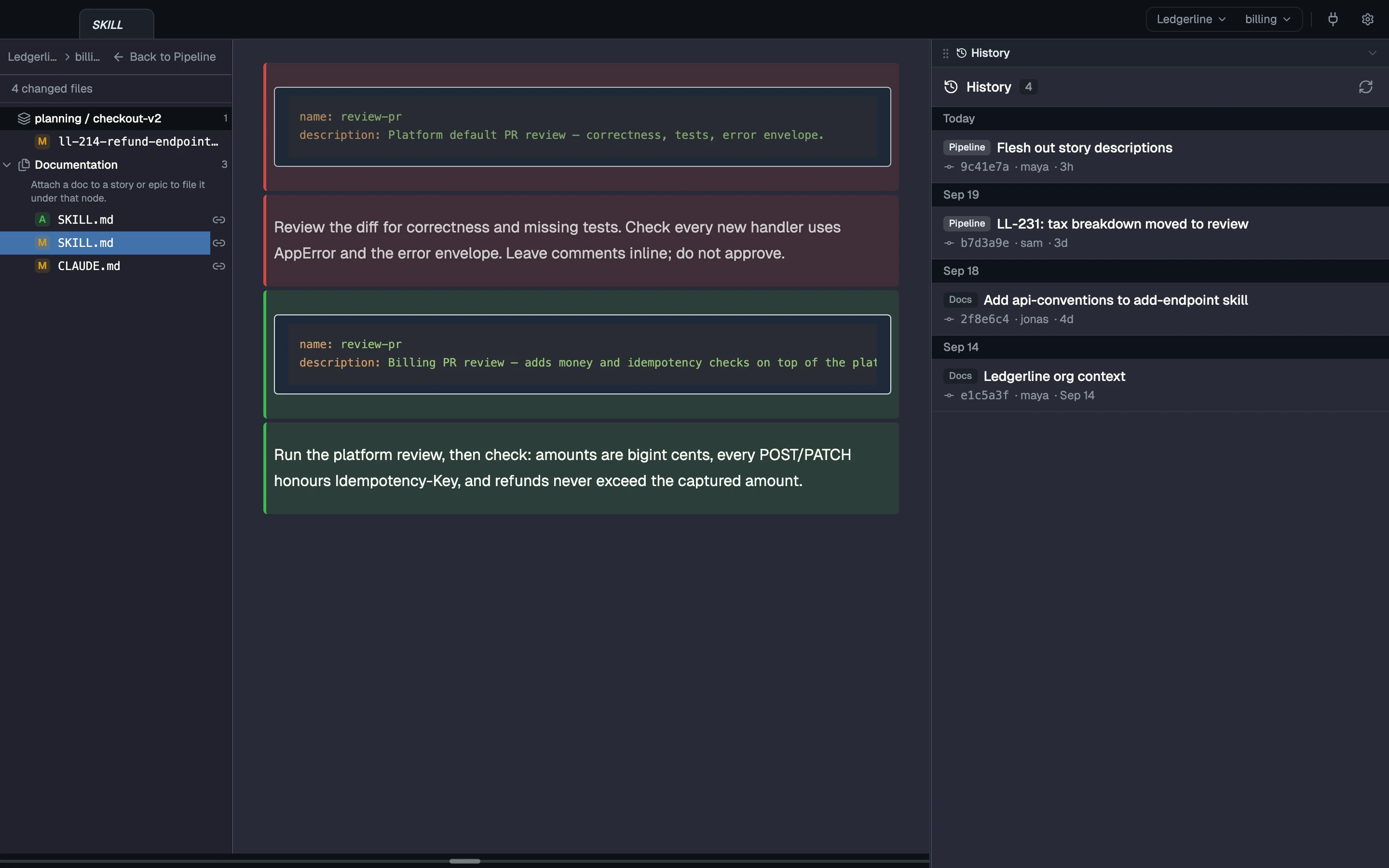
Skills are plain files
A skill is a plain file in your team context, and an agent gets it in its worktree at launch like anything you wrote. Copy an example from the CodeSense docs and edit it like any other file.
What agents learn flows back
Your team context is an ordinary git repo. You, or an agent you ask, commit and push a change there, and teammates see it as incoming; CodeSense pulls it for them when it fast-forwards cleanly, or they review the merge.
Improve a skill in any worktree, by hand or through an agent, and have an agent sync the change back to the team context. The next agent you launch starts with the better version.
Your hooks stay yours
Your hooks stay yours. CodeSense never overwrites your repo’s .claude/settings.json: its own hook goes in settings.local.json, and team settings merge in only where the team marks them to, with your repo’s values winning.
Coming next
Not shipped yet. Each item says what it's waiting on.
Read the concepts
How each part works, in the docs.
- The context repo Where your team's context lives, and how it's laid out.
- Context in a worktree What an agent gets at launch, how it asks for more, and why it stays out of git.
- Teams and inheritance The team chain, which team's file wins, and merge marks.
- Skills are plain files Write a skill once, or copy an example; agents pick it up when they launch.
- Sharing How team context syncs through git today.